
Ho-ho-ho! Wait that's not right
Today we roll out big changes network-wide, and some changes focused on RPG-SMP including a new LootBox, Skins, a lot of bug fixes, a new LootBox, and new seasonal event.
Haunted Spawn + Halloween Hunt
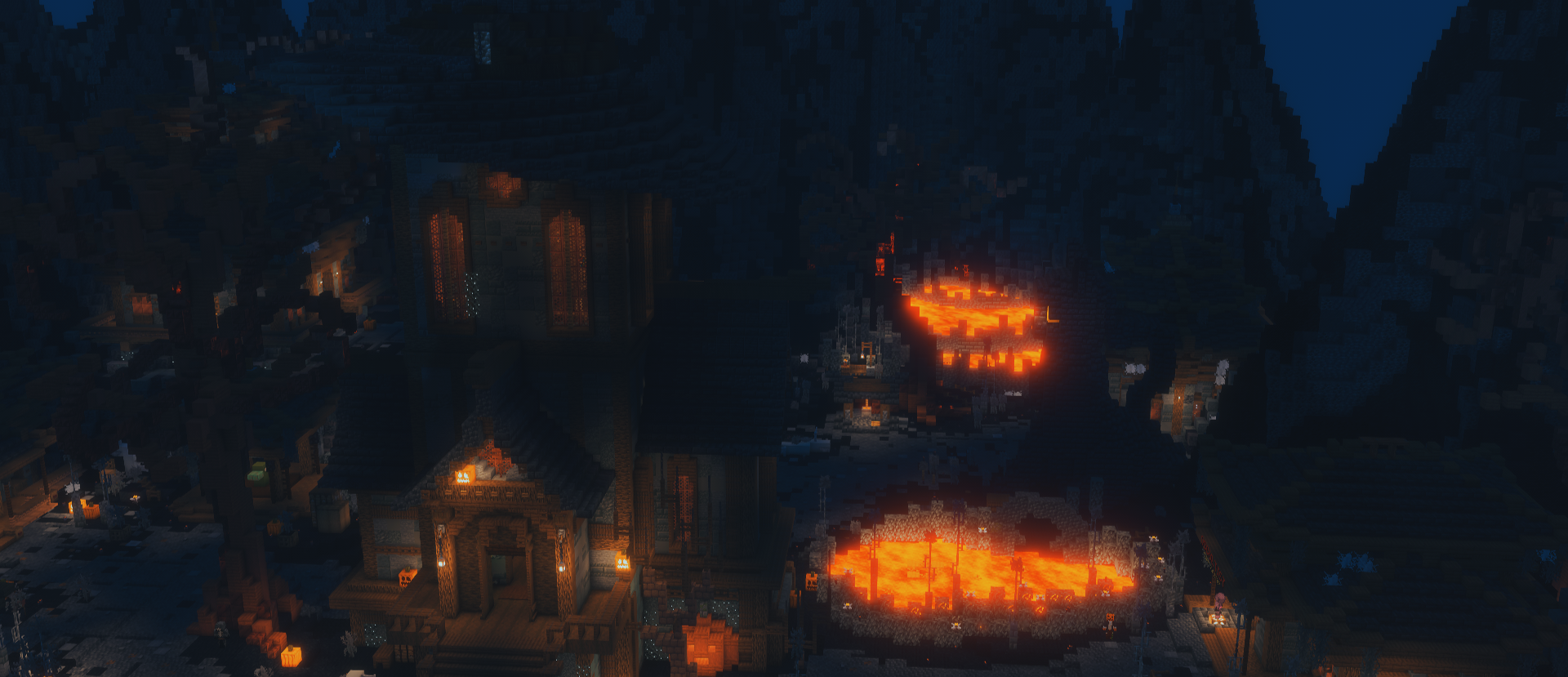
In classic RPG-SMP style, we've fitted the spawn around the upcoming Halloween holiday! Explore the new spooky spawn.
There's also a secret quest at spawn... Find all the pumpkins to earn the cosmetic!
Item Skins
We know you're attached to your current gear, but you might also have your eye on some of the new item textures we've added to the game. Starting today, you don't have to choose. Item Skins work much like Runes: just drag and drop a Skin onto an item to apply it. If that item already has a Skin, the old one is automatically returned to your Skin Stash, so nothing is ever lost.Preview
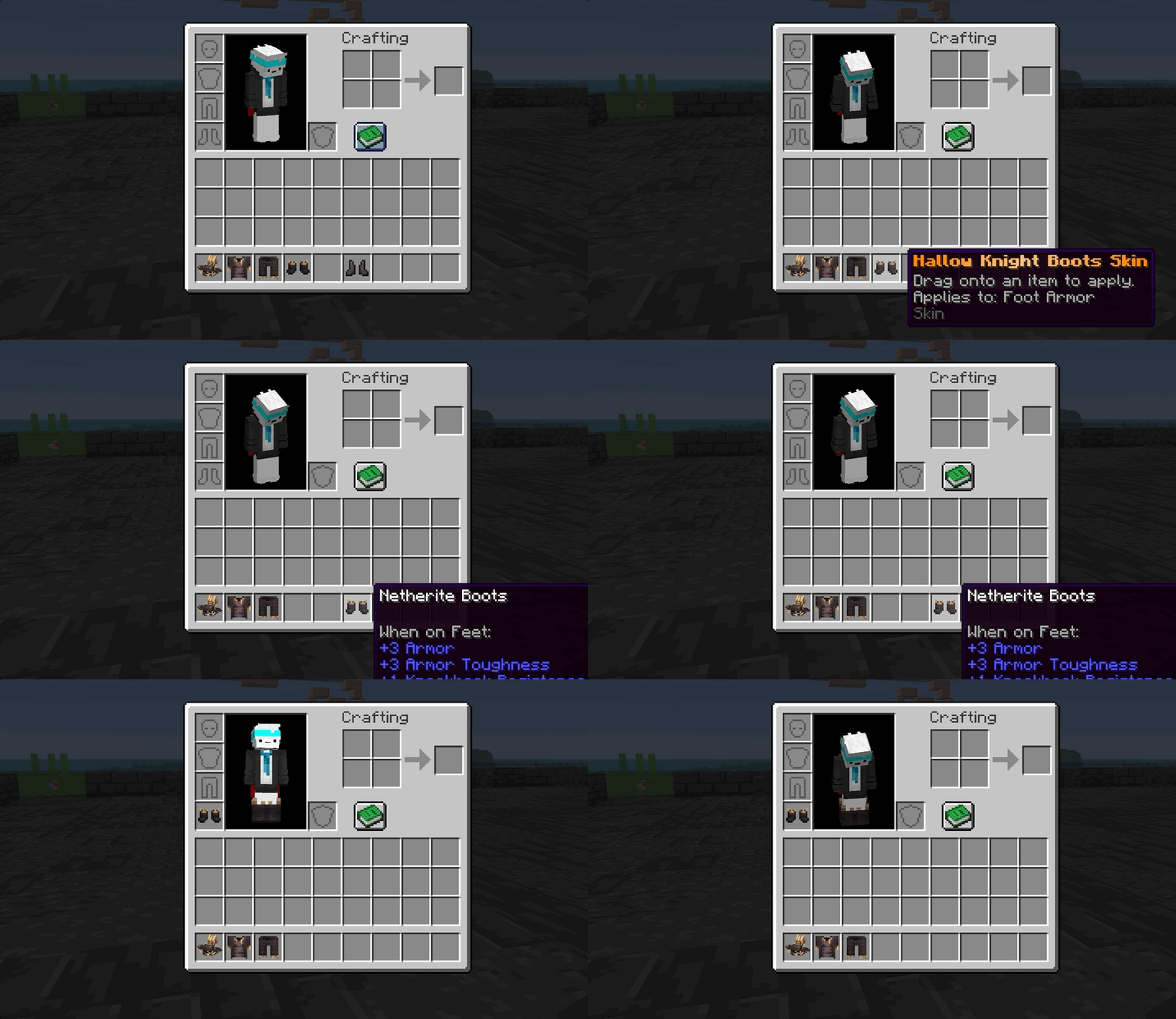
Skin Viewer [/skins]
The Skin Viewer is a catalogue of all skins available on the server. The method of earning them is different per item, but all skins that you can view in the GUI are obtainable. You can access this menu with the [/skins] command.
Preview
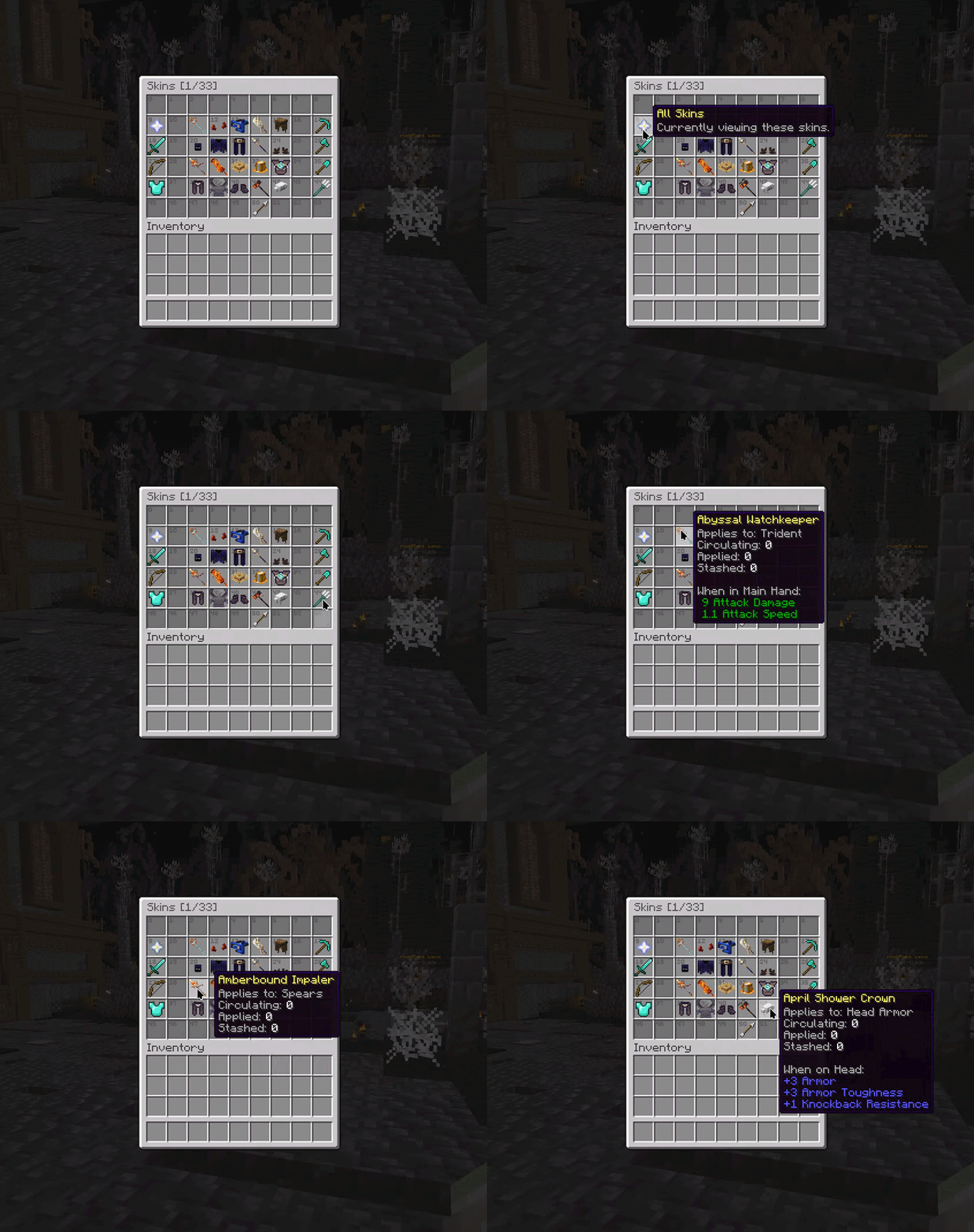
Skin Stash [/skins stash]
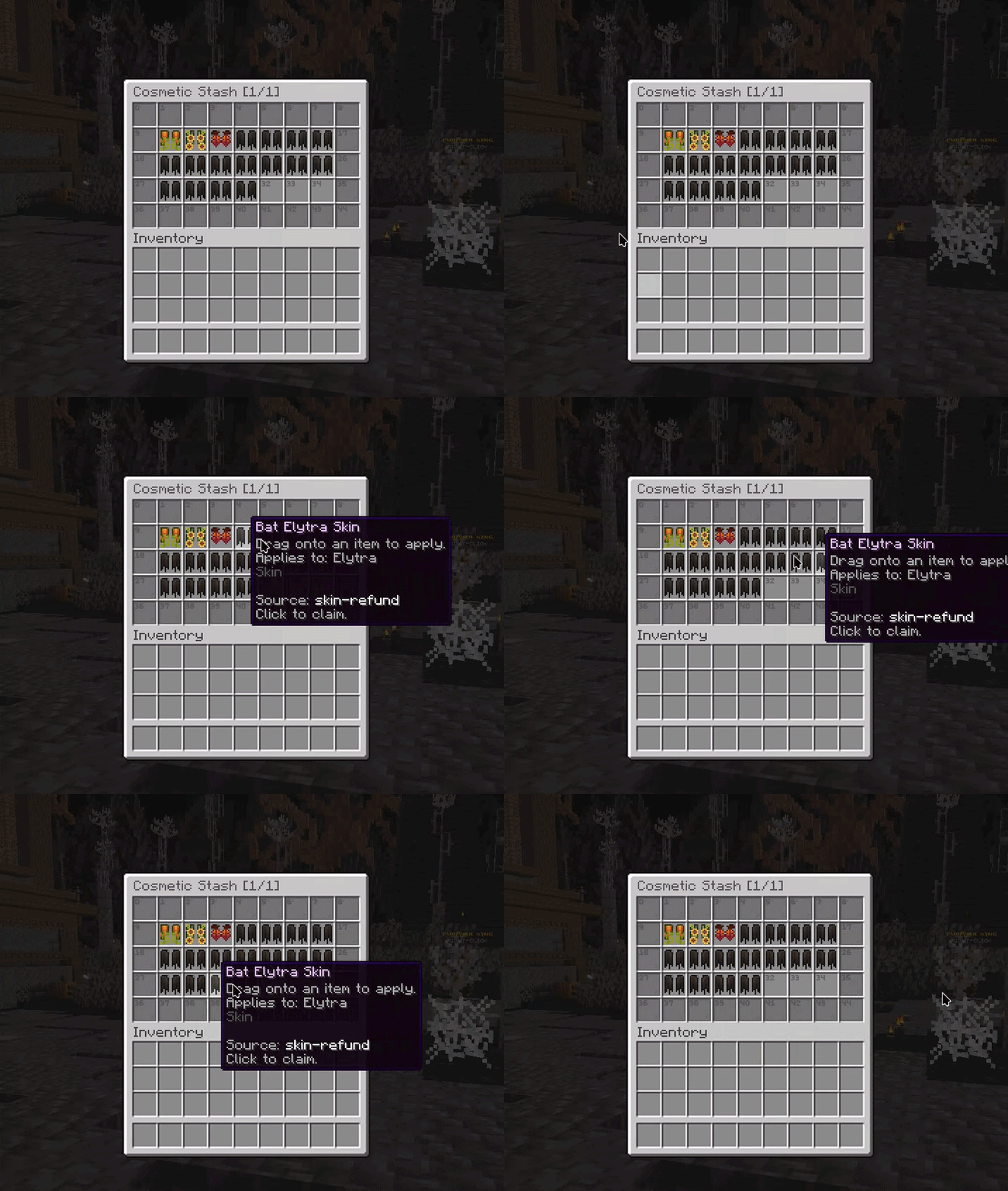
The Skin Stash stores your Skins when they’re replaced on an item. If you apply a new Skin to an item that already has one, the old Skin is automatically returned to your Skin Stash, so you will not lose your skins!
Preview
Chat Filter
We've updated our chat filter to censor certain words that some people may not like to see. This comes with an adjustable filter setting. Use /chatfilter high/medium/minimal
 Hallow Knight LootBox
The Hallow Knight LootBox has arrived, full of amazing rewards and limited edition cosmetics from beyond the grave...!Unlock the exclusive Reaper and Halloween Tags, don the Reaper’s Chosen Status, and make a spooky entrance in chat with the Halloween join message.
Inside, you can find spawners, jewels, fly time, NEW ITEM SKINS, and other rewards for those as strong as Reaper.
Claim the Hallow Knight LootBox before it disappears!
CHECK IT OUT AT https://shop.og-network.net/category/lootboxes OR USE /petalshop IN-GAME!
Guilds Overhaul
Guilds were famously pretty bad & broken. Restarting our proxy meant reverting to old saves of Guilds.Today, after a year of on-and-off development, testing, revisions, etc. We are rolling it out! This update significantly overhauls how we handle guilds in the background, making it easier for us to update it and allowing on-server functionality.
Fixes
- Fixed guilds rolling back when the proxy restarted. Guilds used to save every few minutes, now they save the moment something changes (guild XP saves every minute)
Changes
- The guild creation cooldown has been reduced from 30 days to 7 days
- Guild XP is now a flat 1 XP per minute for each online member. The old bonus for having lots of members online at the same time has been removed
- /guild level now shows your progress to the next level and your guild's total XP
- /gc and /gac on their own now switch your chat to that channel. Add a message to send just one. /ac also works for ally chat
- Added the /gmc (Moderator chat) and /guildac (Admin chat) shortcuts, which work the same way
- A short action bar message now shows which chat channel you switched to
- Disbanding a guild now uses a clickable [Confirm] button that expires after 30 seconds
- Renaming your guild and transferring ownership no longer ask you to confirm, so double-check before using them
- Guild tags now support hex colours (&#RRGGBB). Tags can be up to 6 visible characters, and colour codes don't count towards that limit
- Guild names, tags and descriptions are now checked by the chat filter
- Guild invites now last 2 minutes instead of 30 seconds
- Added the Guild Browser [/guild browse]: browse every guild, or only recruiting guilds with /guild browse open
- Added /guild members: your full roster grouped by role, showing who's online
Moving Your Old Guild Over
We've carried existing guilds over to the new system. A few guilds needed cleaning up along the way:- If you owned more than one guild, only your newest guild was kept
- If you own a guild, you were removed from any other guilds you were a member of
- If you were a member of more than one guild that was kept, you were removed from all of them. Rejoin with /guild join <name> if the guild is open, or ask for an invite
- If you're still in your guild, you kept your role. Rejoining a guild does not restore an old Admin or Moderator role
- If two guilds had the same name, the older guild kept it and the other was renamed
Parties
- /pc or /party chat on their own switch your chat to the party and back. /pc <message> sends just one
- Switching servers keeps you in your party. Leaving the network removes you from it right away, and if the leader leaves, the party is disbanded
- Party invites last 2 minutes
Friends & Social
- Added the Social Hub [/social]: your friends list (with All, Online and Offline filters), your requests, the Guild Browser and your profile in one menu
- Added the Requests Inbox [/requests]: accept or decline friend, party and guild requests in one place. Guild Owners and Admins also see alliance requests here
- Friend requests now expire after 2 minutes
- Blocking someone with /block (or /ignore) now also hides their public, party and guild chat messages from you, removes them from your friends list, and hides your profiles from each other
- Your friends, blocked players and settings have been carried over
Profiles
- Added Profiles [/profile [player]]: see a player's guild and role, first join date, online status or last seen, rank and title. From someone's profile you can add them as a friend or invite them to your party or guild
Settings [/settings]
- Added privacy settings: choose who can view your profile, and who can see your activity, guild and first join date on it (Everyone, Friends or Only You)
- The chat filter level is now in /settings and can also be set with /chatfilter high|medium|minimal
Discord Linking
- Discord linking has been rebuilt. Use /link in our Discord to get a code, then type /sync <code> on a hub. Codes last 5 minutes
- Your in-game ranks sync to your Discord roles automatically. Use /sync status to check yours, or /sync refresh (once every 5 minutes) if they look out of date. /sync unlink removes your link
- Added Discord commands: /player (or /whois) to look up a player, /guild info, /guild leaderboard, and /party to see your current party (only you can see the reply)
Existing Linked Accounts
Unfortunately due to the absolute mess that was rank syncing, we aren't able to convert them over. Meaning you will need to re-link your Discord account to Minecraft.We are sorry

Last edited:
